Simple registration
Get OTP codes and messages on the website or inside the app. No physical SIM or eSIM required
Phone code (+447)

Receive SMS • Long-term subscriptions available • 24/7 Support
1 month
$7.20 a month
$7.20
3 months
$5.60 a month
$16.80
1 year
$3.60 a month
$43.20
Incoming SMS
Unlimited. Outgoing SMS are unavailable
Number validity period
Your number remains available while your subscription is active
A number is provided automatically. Country numbers support multiple apps and websites
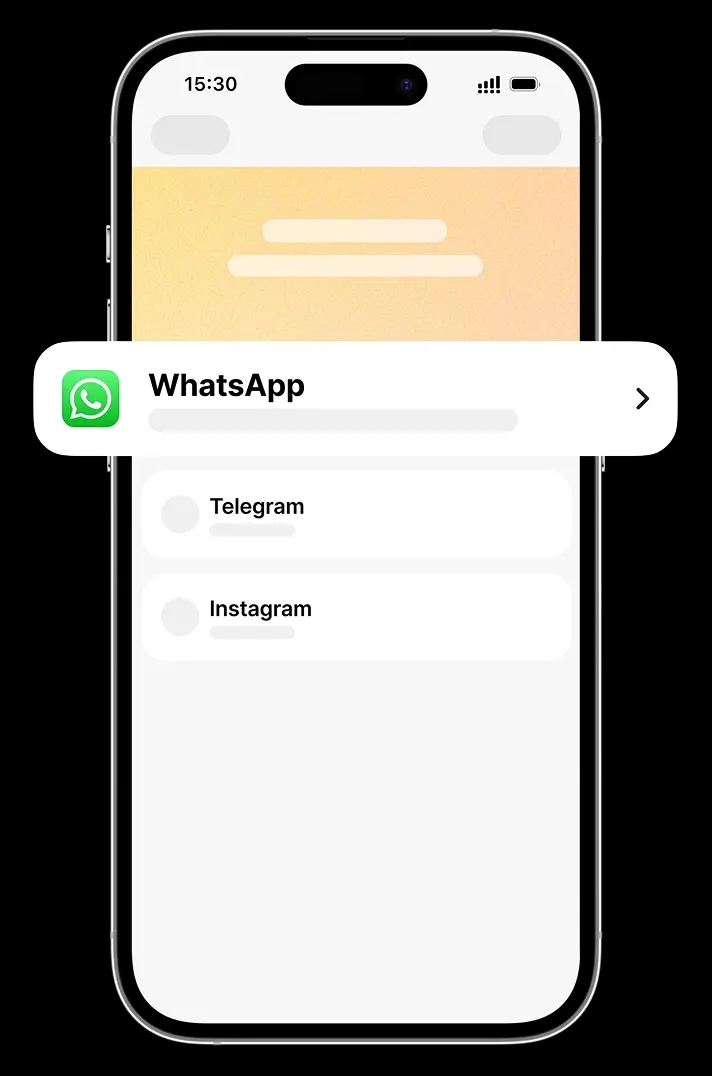
The virtual number remains locked and active for the chosen duration
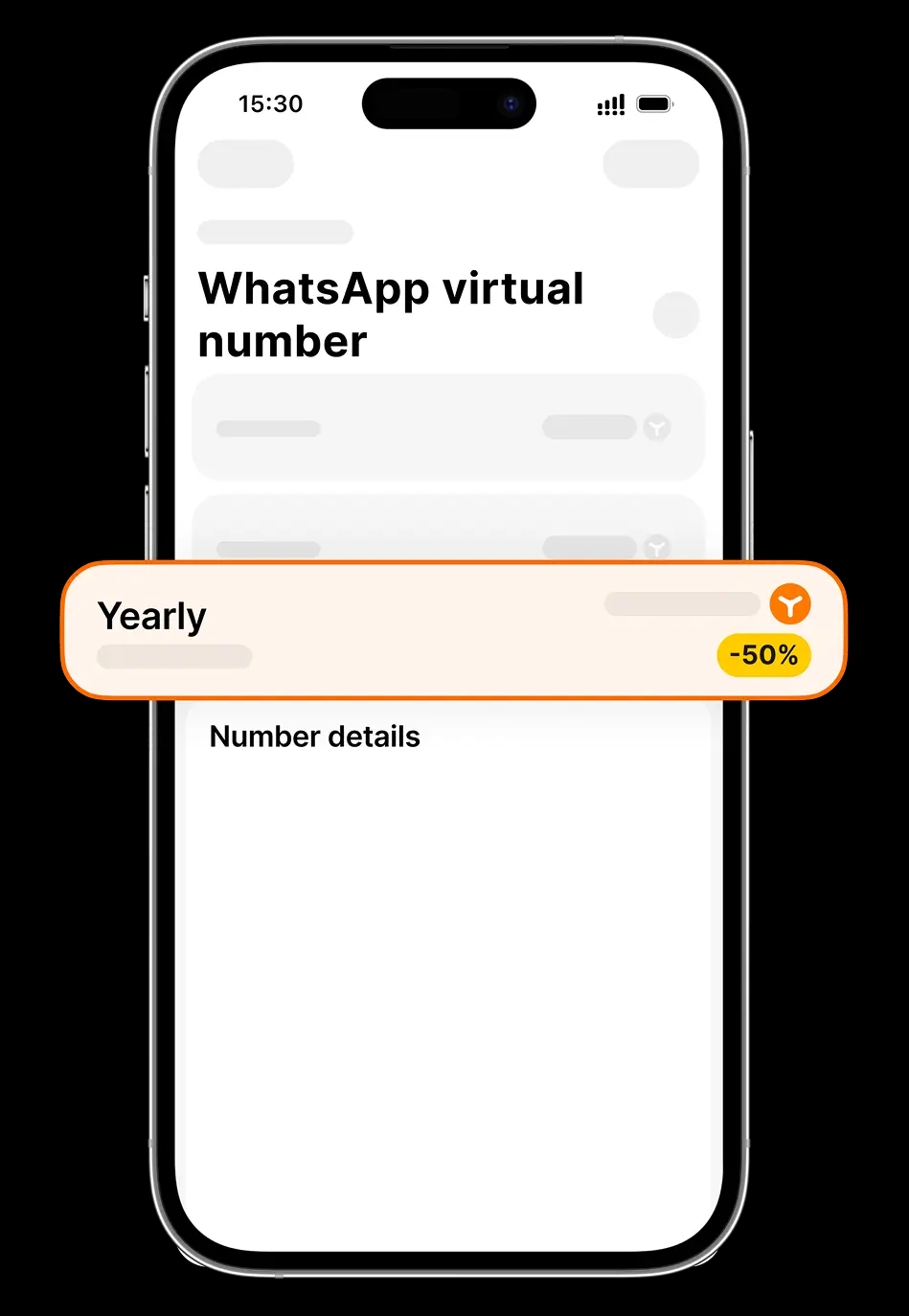
Adding funds to the enables automatic plan payments
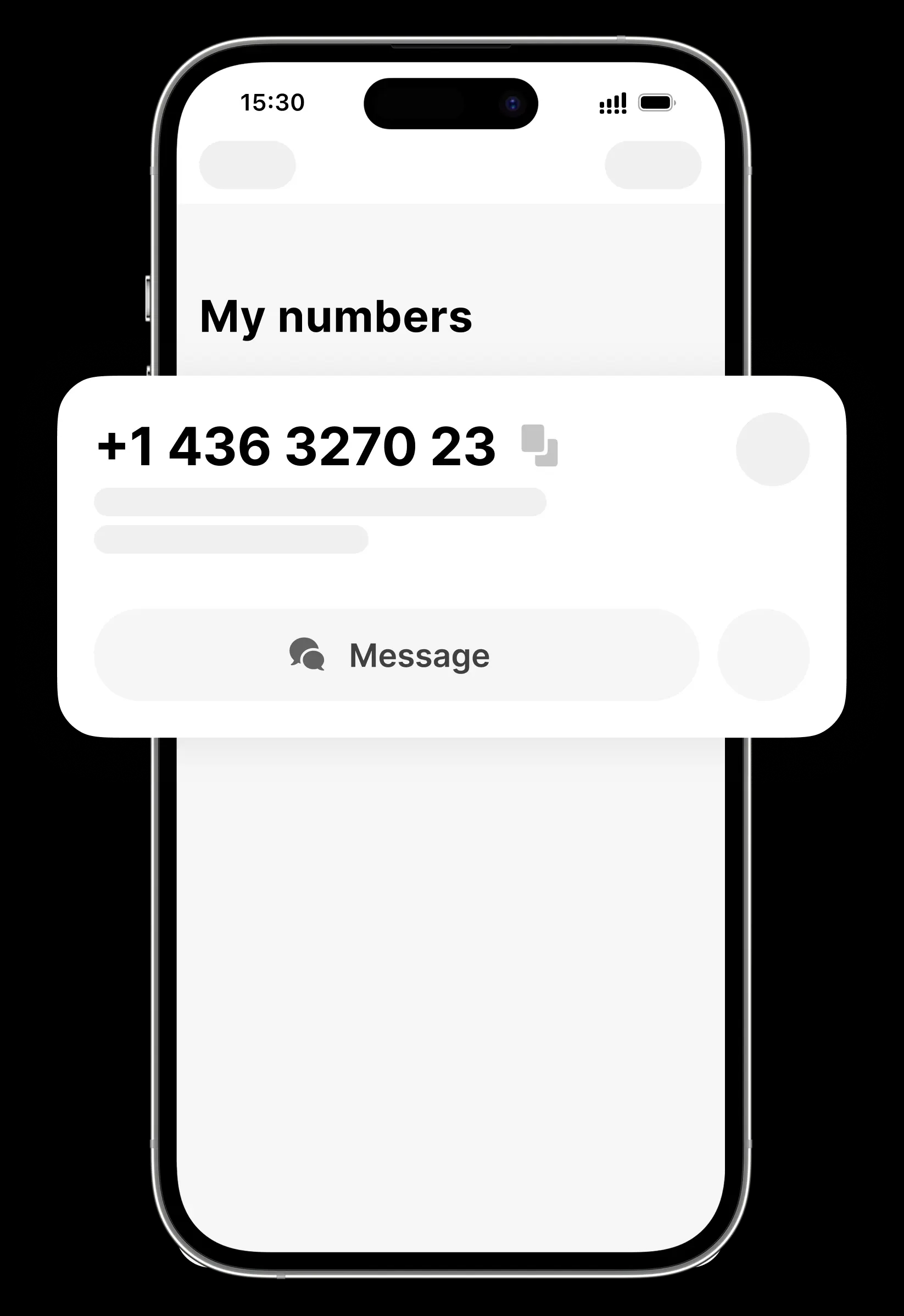
Get OTP codes and messages on the website or inside the app. No physical SIM or eSIM required
Subscribe to a number online without ID verification or KYC. Simple and confidential
Keep the number for the required duration. Auto-renewal maintains active account connections
Connect numbers simultaneously and manage connections from a single Yesim account

Register on online services, including chat apps, social media, and money apps. Sign up globally without linking a primary phone number

Use a virtual number for advertisements, promotions, and new platforms to keep primary contact information private

Use a virtual number as your contact when registering a company, setting up business services, and working with clients in another country
Thousands of successful activations confirm reliable service
I've installed this app since 4 months and still getting better services, I've bought virtual number and it's working perfectly fine and well, I appreciate it 👍


Yesim virtual numbers are praised for keeping users anonymous online — since virtual numbers are not connected to a SIM card, they can never be tied to a specific location. Users also highlight the ability to choose their own number

Yesim offers solid performance and unique features like virtual numbers, positioning them as a smart choice for digital nomads who value flexibility
I needed a real number for different apps.. here i found it. Thank you


Yesim virtual numbers are especially useful for people who want to maintain two lines — for example, one personal and one for business — and notes the feature is well-integrated into the overall app experience
I have been using this application for quite a long time, I mainly use a virtual phone number, I want to say that there have never been any problems with the arrival of SMS, the application is very convenient

I love this app, and is the best for internet and virtual mobile number!

I would like to say great thanks for this app which helps much while you traveling around the world! Nice packages of SIM cards and virtual numbers. Support is always welcome to assist which is much appreciated) Fully recommend from my side!

The virtual number works very well, and the customer support team has been friendly and responsive to help resolve my issue, which turns out to be unrelated to Yesim. Thank you!

User this app for a "text only" secondary number and it works great! I reached out to customer support for some queries and they were very prompt and super helpful.
I've installed this app since 4 months and still getting better services, I've bought virtual number and it's working perfectly fine and well, I appreciate it 👍
Yesim virtual numbers are praised for keeping users anonymous online — since virtual numbers are not connected to a SIM card, they can never be tied to a specific location. Users also highlight the ability to choose their own number
Yesim offers solid performance and unique features like virtual numbers, positioning them as a smart choice for digital nomads who value flexibility
I needed a real number for different apps.. here i found it. Thank you
Yesim virtual numbers are especially useful for people who want to maintain two lines — for example, one personal and one for business — and notes the feature is well-integrated into the overall app experience
I have been using this application for quite a long time, I mainly use a virtual phone number, I want to say that there have never been any problems with the arrival of SMS, the application is very convenient
I love this app, and is the best for internet and virtual mobile number!
I would like to say great thanks for this app which helps much while you traveling around the world! Nice packages of SIM cards and virtual numbers. Support is always welcome to assist which is much appreciated) Fully recommend from my side!
The virtual number works very well, and the customer support team has been friendly and responsive to help resolve my issue, which turns out to be unrelated to Yesim. Thank you!
User this app for a "text only" secondary number and it works great! I reached out to customer support for some queries and they were very prompt and super helpful.
Private virtual phone numbers (2nd line numbers) protect your privacy, provide global access, require no identity verification, offer flexible term options, and can be instantly activated.
First, sign up for an account. Then, choose a virtual phone number from the available options. After that, activate your 2nd phone number by selecting the period of time for which you wish to rent it, and top up your account with funds if necessary. Finally, tap on the 'Activate number' button.
Log into the Yesim mobile app and navigate to the section "Numbers" that displays your virtual mobile numbers. Tap on the message icon to view your messages, and select the conversation to open it.
Log into the Yesim mobile app and navigate to the section 'Numbers' that displays your virtual mobile numbers. Locate the virtual mobile number that you wish to disable your subscription for and tap on the settings icon. Toggle off the virtual mobile number subscription to disable it.
Virtual numbers are safe; moreover, they provide an extra layer of privacy and security. Since the virtual number is used as a proxy, the sender of the message doesn’t have access to your phone number.
A virtual mobile number can be used for registration and texting in messengers such as WhatsApp or Telegram. You can also use it with Snapchat, WeChat, Viber, Discord, Slack, or Signal. In case you face any issues, please contact our 24/7 support team at support@yesim.app — or by using the chat in the app.
With Yesim's virtual cell phone number, you can receive OTP messages in different countries for popular services and protect your confidential data. With a virtual number, you can keep your personal phone number private, have greater control over your privacy, and reduce the risk of unwanted calls or messages.
Your private virtual phone number provides SMS account verification with the following services: WhatsApp, Telegram, Google (Gmail), Facebook, Instagram, TikTok, Signal, Amazon, Discord, dating apps, shopping apps, and many more. It also supports such online payment systems as PayPal and Wise. In case you face any issues, please contact our 24/7 support team at support@yesim.app — or by using chat in the app.
You can use your virtual phone number in any country. As for the numbers themselves (country codes), Yesim offers them for the following countries and regions: United States, United Kindgom, Canada, and The Netherlands. The list of countries is regularly updated and expanded.
A virtual mobile number, or a virtual/VoIP number, is legal and used globally, including in the USA, Canada, UAE, India, and many other countries.
To get a virtual number for Telegram, you can follow these steps:
1. Research online virtual number providers: Look for reputable companies that offer virtual number services for your specific needs.
2. Choose a provider: Select a virtual number provider that offers the features you require, such as call forwarding, voicemail, and online in-app international calling options. Yesim is a go-to choice for many travelers as we provide those features as well as many others.
3. Sign up for an account: Create an account with the virtual number provider and choose a subscription plan that fits your budget and usage requirements.
4. Select a virtual number: Once you have signed up, choose a virtual number from the available options provided by the service.
5. Set up call forwarding: Configure call forwarding settings to redirect calls from your virtual number to your desired phone number or device.
6. Test your virtual number: Make a test call to ensure that your virtual number is working correctly and that calls are being forwarded as expected.
This way you should be able to obtain a virtual number for Telegram and start using it for your communication needs.
At Yesim Global eSIM Provider, we're proud to offer a seamless experience with our virtual numbers for Telegram .
Our virtual numbers are specifically designed to work seamlessly with Telegram, allowing you to enjoy the same level of quality and convenience as our traditional phone numbers.
With our virtual numbers, you can enjoy the following benefits:
Portability: Take your virtual number with you wherever you go, whether you're traveling abroad or switching to a new phone or carrier.
Flexibility: Easily manage your calls and texts from a single platform, without the need for multiple phone numbers or SIM cards.
Cost-effective: Save money on international calling rates and avoid roaming charges when using our virtual numbers.
Here's a step-by-step guide on how to activate Telegram with your virtual phone number:
Step 1: To start, purchase a virtual phone number from our website or through our customer support team. You can choose from a variety of country codes and numbers to suit your needs.
Step 2: Once you have your virtual phone number, configure your Telegram account by following these steps:
* Log in to your Telegram account and navigate to the settings or profile page. * Look for the "Phone Number" or "Account Settings" section and click on it. * Enter your virtual phone number in the designated field. * Save your changes.
Step 3: After configuring your Telegram account, you'll need to verify your virtual phone number. You may receive a verification code via SMS or voice call. Enter the code to complete the verification process.
Step 4: Once your virtual phone number is verified, enable it by following these steps:
* Log in to your Telegram account and navigate to the settings or profile page. * Look for the "Phone Number" or "Account Settings" section and click on it. * Toggle the switch next to your virtual phone number to enable it. * Save your changes.
Step 5: Test Your Virtual Phone Number.
Yes, you can use a virtual phone number for receiving one-time passwords (OTPs). Yesim offers incoming SMS capabilities, making it possible to receive OTPs sent to the virtual number. You can use virtual phone numbers to receive OTPs on platforms such as WhatsApp, Telegram, Facebook, Instagram, TikTok and many other services that support SMS-based two-factor authentication. This approach is convenient and secure, as it keeps your actual phone number private and reduces the risk of unauthorized access.
Yesim offers an innovative service for those looking to use Telegram with a virtual number. This service allows travelers and digital nomads to obtain a number online without having to go through a traditional telephone company. It's an ideal solution for staying connected anywhere in the world.
1. Enhanced Privacy: A virtual number protects your personal information by keeping your real number private. 2. Enhanced Security: Receive SMS messages for account verification without disclosing your primary number. 3. Geographic Flexibility: Use a number from any region, wherever you are. 4. Savings: Avoid high roaming costs and foreign phone plans.
Getting a number with Yesim is quick and easy. Go to their website, select your virtual number for Telegram, and follow the instructions to activate the service. This process facilitates registration and SMS verification on Telegram, allowing you to stay connected without worry.
Using a virtual number for Telegram ensures increased privacy. Users don't need to disclose their personal phone number, reducing the risk of spam and attacks. This service is perfect for those who value data security.
For frequent travelers and digital nomads, the ability to receive text messages and calls with a virtual number is essential. Whether you're traveling or working remotely, a virtual mobile number from Yesim offers the flexibility to manage your communications efficiently.
With Yesim, enjoy the freedom to explore the world while staying securely connected with a virtual phone number for Telegram.
Download Yesim from App Store & Google Play



Scan with your camera to download app
We use cookies. Some are necessary for the website to function properly. Others help us improve your experience, and some are used for marketing. Select 'Accept all' to allow all cookies, 'Customize' to adjust your preferences, or 'Basic only' to allow only essential cookies. Cookie Policy