Simple registration
Get OTP codes and messages on the website or inside the app. No physical SIM or eSIM required
Phone code (+1925)

Receive SMS • Long-term subscriptions available • 24/7 Support
1 month
$6.60/month
$6.60
3 months
$5.13/month
$15.40
1 year
$3.30/month
$39.60
Incoming SMS
Unlimited. Outgoing SMS are unavailable
Number validity period
Your number remains available while your subscription is active
A number is provided automatically. Country numbers support multiple apps and websites
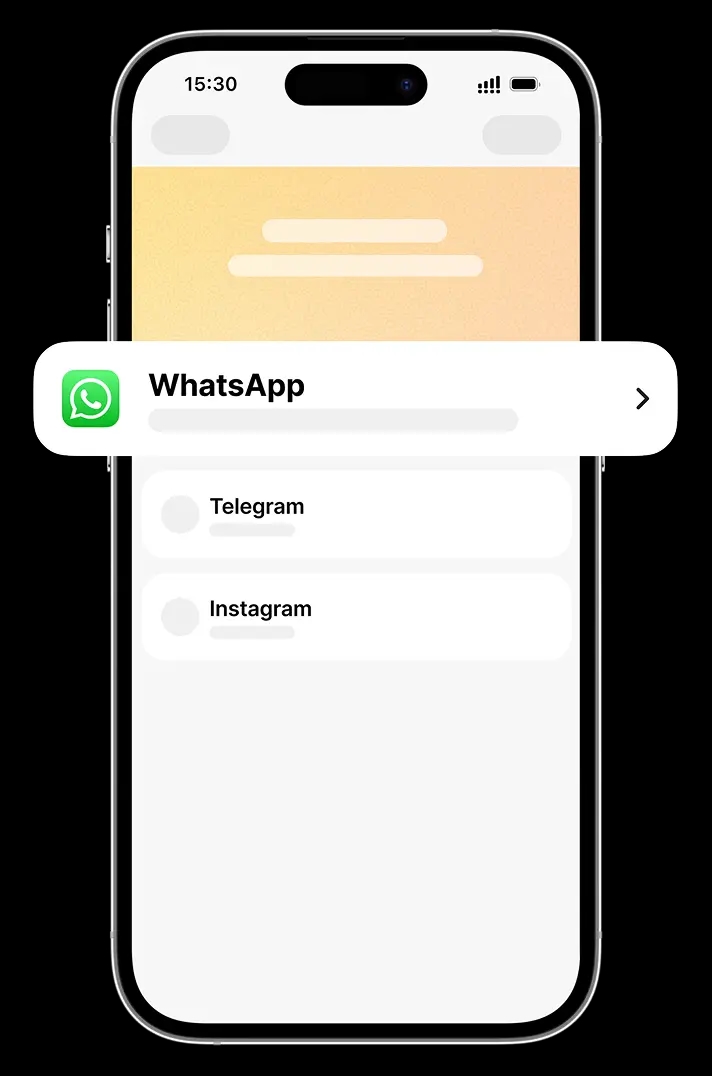
The virtual number remains locked and active for the chosen duration
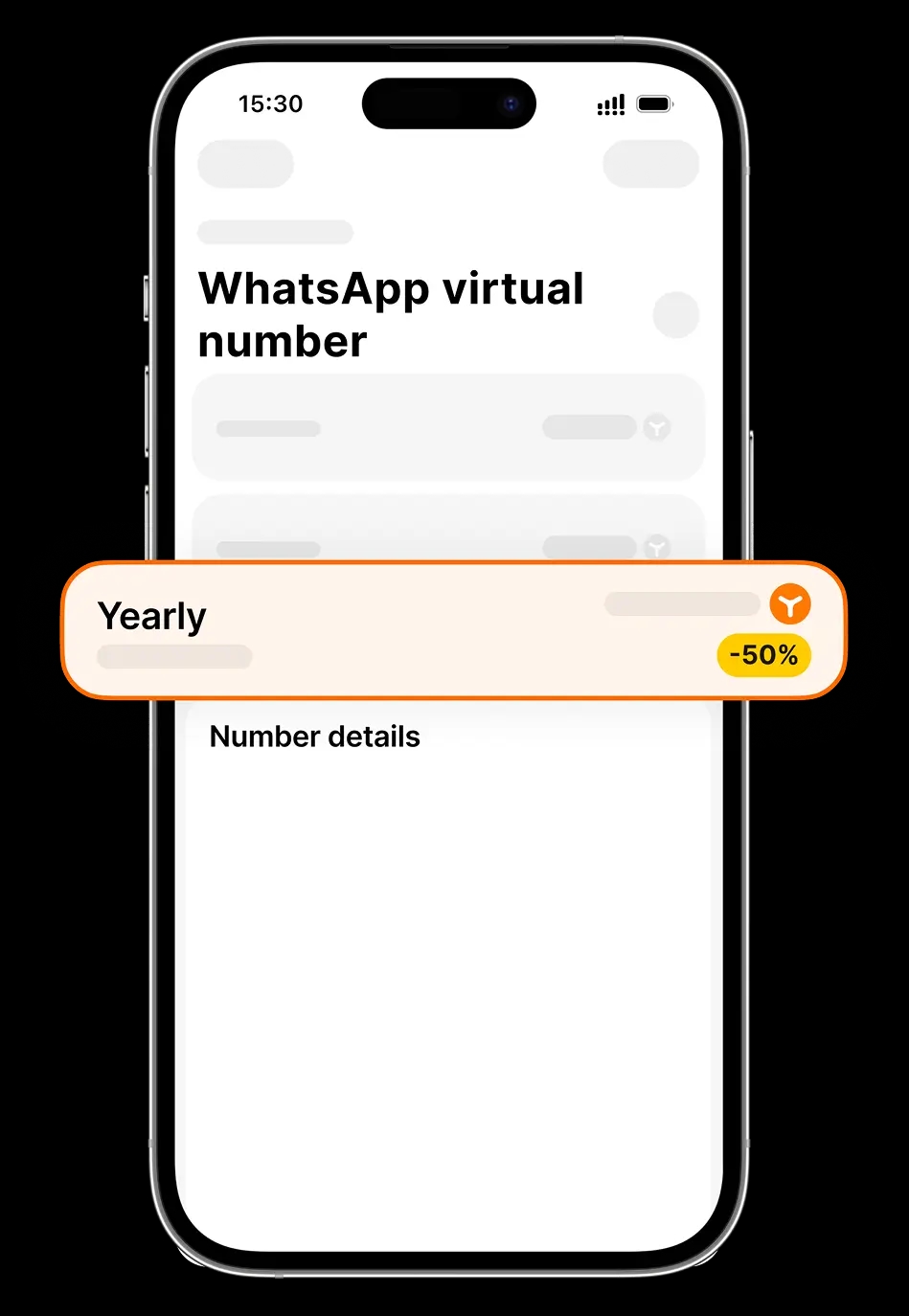
Adding funds to the enables automatic plan payments
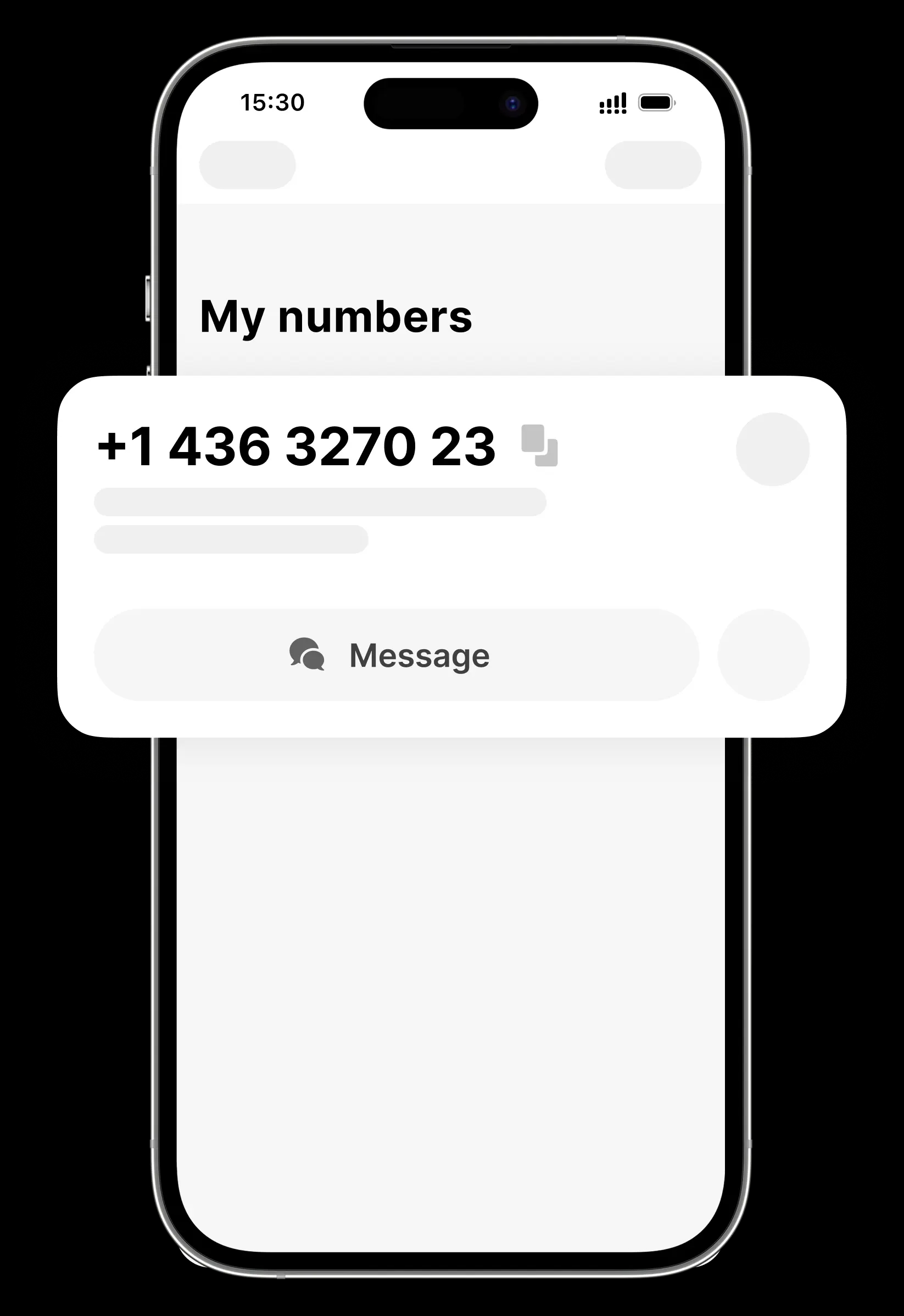
Get OTP codes and messages on the website or inside the app. No physical SIM or eSIM required
Subscribe to a number online without ID verification or KYC. Simple and confidential
Keep the number for the required duration. Auto-renewal maintains active account connections
Connect numbers simultaneously and manage connections from a single Yesim account
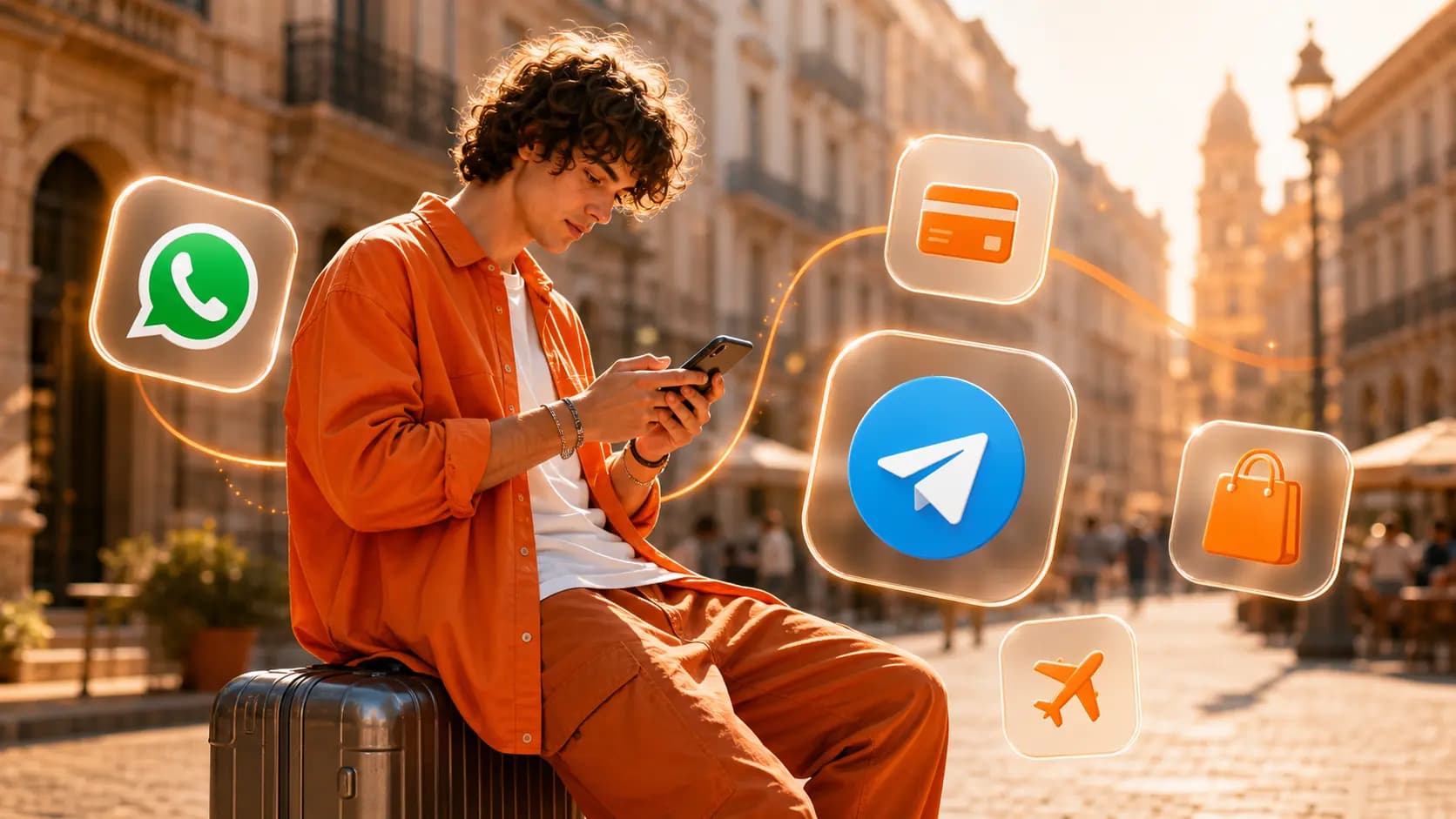
Register on online services, including chat apps, social media, and money apps. Sign up globally without linking a primary phone number
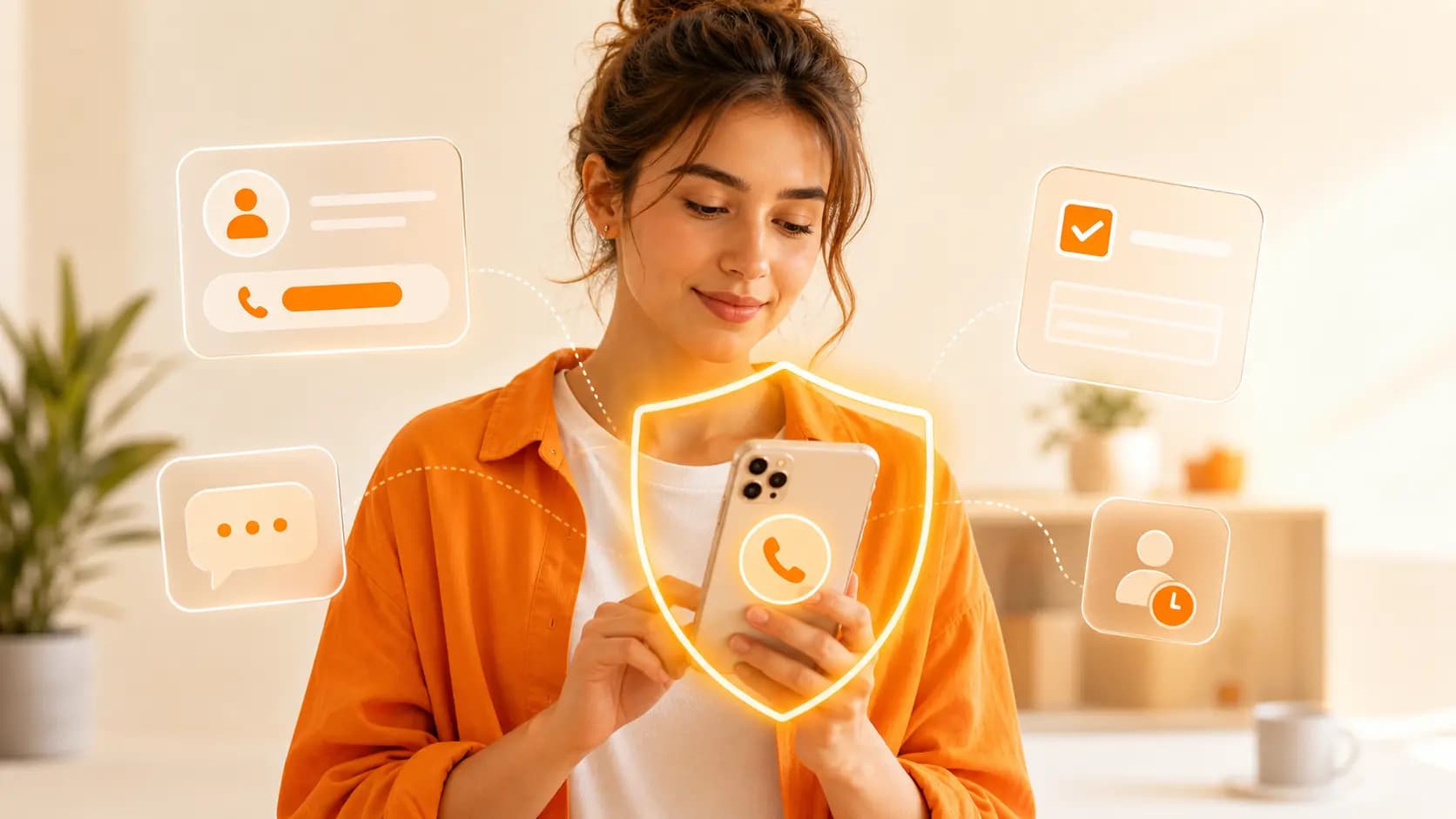
Use a virtual number for advertisements, promotions, and new platforms to keep primary contact information private

Use a virtual number as your contact when registering a company, setting up business services, and working with clients in another country
Thousands of successful activations confirm reliable service
I've installed this app since 4 months and still getting better services, I've bought virtual number and it's working perfectly fine and well, I appreciate it 👍


Yesim virtual numbers are praised for keeping users anonymous online — since virtual numbers are not connected to a SIM card, they can never be tied to a specific location. Users also highlight the ability to choose their own number

Yesim offers solid performance and unique features like virtual numbers, positioning them as a smart choice for digital nomads who value flexibility
I needed a real number for different apps.. here i found it. Thank you


Yesim virtual numbers are especially useful for people who want to maintain two lines — for example, one personal and one for business — and notes the feature is well-integrated into the overall app experience
I have been using this application for quite a long time, I mainly use a virtual phone number, I want to say that there have never been any problems with the arrival of SMS, the application is very convenient

I love this app, and is the best for internet and virtual mobile number!

I would like to say great thanks for this app which helps much while you traveling around the world! Nice packages of SIM cards and virtual numbers. Support is always welcome to assist which is much appreciated) Fully recommend from my side!

The virtual number works very well, and the customer support team has been friendly and responsive to help resolve my issue, which turns out to be unrelated to Yesim. Thank you!

User this app for a "text only" secondary number and it works great! I reached out to customer support for some queries and they were very prompt and super helpful.
I've installed this app since 4 months and still getting better services, I've bought virtual number and it's working perfectly fine and well, I appreciate it 👍
Yesim virtual numbers are praised for keeping users anonymous online — since virtual numbers are not connected to a SIM card, they can never be tied to a specific location. Users also highlight the ability to choose their own number
Yesim offers solid performance and unique features like virtual numbers, positioning them as a smart choice for digital nomads who value flexibility
I needed a real number for different apps.. here i found it. Thank you
Yesim virtual numbers are especially useful for people who want to maintain two lines — for example, one personal and one for business — and notes the feature is well-integrated into the overall app experience
I have been using this application for quite a long time, I mainly use a virtual phone number, I want to say that there have never been any problems with the arrival of SMS, the application is very convenient
I love this app, and is the best for internet and virtual mobile number!
I would like to say great thanks for this app which helps much while you traveling around the world! Nice packages of SIM cards and virtual numbers. Support is always welcome to assist which is much appreciated) Fully recommend from my side!
The virtual number works very well, and the customer support team has been friendly and responsive to help resolve my issue, which turns out to be unrelated to Yesim. Thank you!
User this app for a "text only" secondary number and it works great! I reached out to customer support for some queries and they were very prompt and super helpful.
Private virtual phone numbers (2nd line numbers) protect your privacy, provide global access, require no identity verification, offer flexible term options, and can be instantly activated.
First, sign up for an account. Then, choose a virtual phone number from the available options. After that, activate your 2nd phone number by selecting the period of time for which you wish to rent it, and top up your account with funds if necessary. Finally, tap on the 'Activate number' button.
Log into the Yesim mobile app and navigate to the section "Numbers" that displays your virtual mobile numbers. Tap on the message icon to view your messages, and select the conversation to open it.
Log into the Yesim mobile app and navigate to the section 'Numbers' that displays your virtual mobile numbers. Locate the virtual mobile number that you wish to disable your subscription for and tap on the settings icon. Toggle off the virtual mobile number subscription to disable it.
Virtual numbers are safe; moreover, they provide an extra layer of privacy and security. Since the virtual number is used as a proxy, the sender of the message doesn’t have access to your phone number.
A virtual mobile number can be used for registration and texting in messengers such as WhatsApp or Telegram. You can also use it with Snapchat, WeChat, Viber, Discord, Slack, or Signal. In case you face any issues, please contact our 24/7 support team at support@yesim.app — or by using the chat in the app.
With Yesim's virtual cell phone number, you can receive OTP messages in different countries for popular services and protect your confidential data. With a virtual number, you can keep your personal phone number private, have greater control over your privacy, and reduce the risk of unwanted calls or messages.
Your private virtual phone number provides SMS account verification with the following services: WhatsApp, Telegram, Google (Gmail), Facebook, Instagram, TikTok, Signal, Amazon, Discord, dating apps, shopping apps, and many more. It also supports such online payment systems as PayPal and Wise. In case you face any issues, please contact our 24/7 support team at support@yesim.app — or by using chat in the app.
You can use your virtual phone number in any country. As for the numbers themselves (country codes), Yesim offers them for the following countries and regions: United States, United Kindgom, Canada, and The Netherlands. The list of countries is regularly updated and expanded.
A virtual mobile number, or a virtual/VoIP number, is legal and used globally, including in the USA, Canada, UAE, India, and many other countries.
To get a virtual number for Instagram, you can follow these steps:
1. Research online virtual number providers: Look for reputable companies that offer virtual number services for your specific needs.
2. Choose a provider: Select a virtual number provider that offers the features you require, such as call forwarding, voicemail, and online in-app international calling options. Yesim is a go-to choice for many travelers as we provide those features as well as many others.
3. Sign up for an account: Create an account with the virtual number provider and choose a subscription plan that fits your budget and usage requirements.
4. Select a virtual number: Once you have signed up, choose a virtual number from the available options provided by the service.
5. Set up call forwarding: Configure call forwarding settings to redirect calls from your virtual number to your desired phone number or device.
6. Test your virtual number: Make a test call to ensure that your virtual number is working correctly and that calls are being forwarded as expected.
This way you should be able to obtain a virtual number for Instagram and start using it for your communication needs.
At Yesim Global eSIM Provider, we're proud to offer a seamless experience with our virtual numbers for Instagram .
Our virtual numbers are specifically designed to work seamlessly with Instagram, allowing you to enjoy the same level of quality and convenience as our traditional phone numbers.
With our virtual numbers, you can enjoy the following benefits:
Portability: Take your virtual number with you wherever you go, whether you're traveling abroad or switching to a new phone or carrier.
Flexibility: Easily manage your calls and texts from a single platform, without the need for multiple phone numbers or SIM cards.
Cost-effective: Save money on international calling rates and avoid roaming charges when using our virtual numbers.
Here's a step-by-step guide on how to activate Instagram with your virtual phone number:
Step 1: To start, purchase a virtual phone number from our website or through our customer support team. You can choose from a variety of country codes and numbers to suit your needs.
Step 2: Once you have your virtual phone number, configure your Instagram account by following these steps:
* Log in to your Instagram account and navigate to the settings or profile page. * Look for the "Phone Number" or "Account Settings" section and click on it. * Enter your virtual phone number in the designated field. * Save your changes.
Step 3: After configuring your Instagram account, you'll need to verify your virtual phone number. You may receive a verification code via SMS or voice call. Enter the code to complete the verification process.
Step 4: Once your virtual phone number is verified, enable it by following these steps:
* Log in to your Instagram account and navigate to the settings or profile page. * Look for the "Phone Number" or "Account Settings" section and click on it. * Toggle the switch next to your virtual phone number to enable it. * Save your changes.
Step 5: Test Your Virtual Phone Number.
Yes, you can use a virtual phone number for receiving one-time passwords (OTPs). Yesim offers incoming SMS capabilities, making it possible to receive OTPs sent to the virtual number. You can use virtual phone numbers to receive OTPs on platforms such as WhatsApp, Telegram, Facebook, Instagram, TikTok and many other services that support SMS-based two-factor authentication. This approach is convenient and secure, as it keeps your actual phone number private and reduces the risk of unauthorized access.
Yes. You can sign up for Instagram with just an email address. However, Instagram may ask you to confirm a phone number later, for example when it detects suspicious activity or puts your account through a security checkpoint. If that happens, you don't have to use your personal SIM: a Yesim virtual number can receive the Instagram code right in the app, and your main number stays private.
Yes. Instagram may suggest your account to people who have your number saved in their phone. To limit this, go to Settings and privacy → Accounts Center and review the options for discoverability and contact syncing, and turn off contact upload on your device. The simplest way to break the link between your account and your personal number is to use a Yesim virtual number. Your personal number is then never connected to the account, so contact syncing can't point people to it.
1. Open Instagram and go to your profile, then tap the menu icon (three lines).
2. Open Accounts Center → Personal details → Contact information.
3. Select your account, then tap Add new contact (or edit the existing phone number).
4. Enter the new number and confirm it with the code sent by SMS.
You need access to the new number to receive the code. If you're switching to a Yesim virtual number, get it first, then add it in Accounts Center and confirm with the code you receive in the app. Menu names can vary slightly depending on the app version.
Instagram limits the number of accounts you can have on one device in the app, and it also limits how many accounts can be linked to one phone number. If you run several accounts, for example personal, business or brand profiles, it's best to keep a separate number for each. With Yesim, you can get additional virtual numbers and keep your accounts separate, without buying more SIM cards.
The most common reasons are:
1. Security checkpoint. If Instagram flags unusual activity, it may limit or delay codes. Wait a bit before trying again.
2. SMS delays. Codes can take a few minutes to arrive. Make sure the number is active in your Yesim app, you're online and notifications are on.
3. Wrong number format. Enter the number with the country code, starting with "+", and without extra spaces or a leading zero.
4. Too many requests. Requesting the code several times in a row can temporarily block new attempts. Wait 15–30 minutes and try once more.
To request the code again, tap "Resend code" (or "Didn't get a code?") on the confirmation screen, or go back and re-enter the number. If the code still doesn't arrive, try again later or use another Yesim number.
Download Yesim from App Store & Google Play


Scan with your camera to download app
We use cookies. Some are necessary for the website to function properly. Others help us improve your experience, and some are used for marketing. Select 'Accept all' to allow all cookies, 'Customize' to adjust your preferences, or 'Basic only' to allow only essential cookies. Cookie Policy